
Chinese subtitles can cover a dense band of image detail, especially when paired with an English line. Inspect both lines and their outlines after repair.
Case notes from supplied original/result videos · fixed timestamps inspected September 8, 2026
The bilingual waterfall example removes both the Chinese and English lines at the inspected moments. The useful question is how the combined covered band looks afterward, not which language name is selected.
Inspect the subtitle strokes in motion
Compare the original and result as the video plays.
Two subtitle lines over a waterfall
These notes refer to the supplied original/result pair shown in the player, not a newly submitted processing job.
| Condition | Details |
|---|---|
| Source | 1280 × 720 縦型 滝、8秒 |
| Text | Chinese and English lines with strong outlines. |
| Challenge | Two-line coverage across changing water and detailed rock. |
At 1.00s and 3.50s, the Chinese and English words visible in the input are absent from the supplied result. The region is filled by the waterfall and surrounding rock picture rather than a visible caption panel.
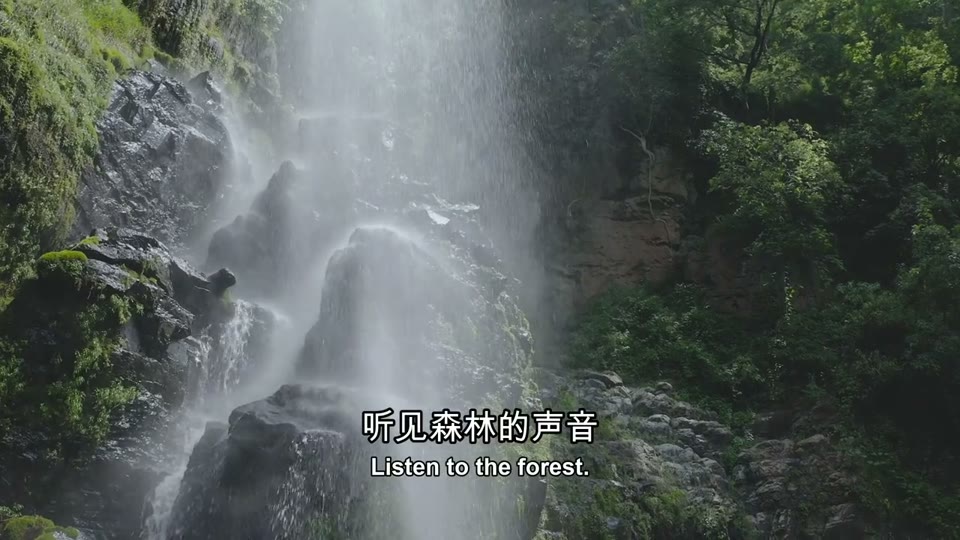
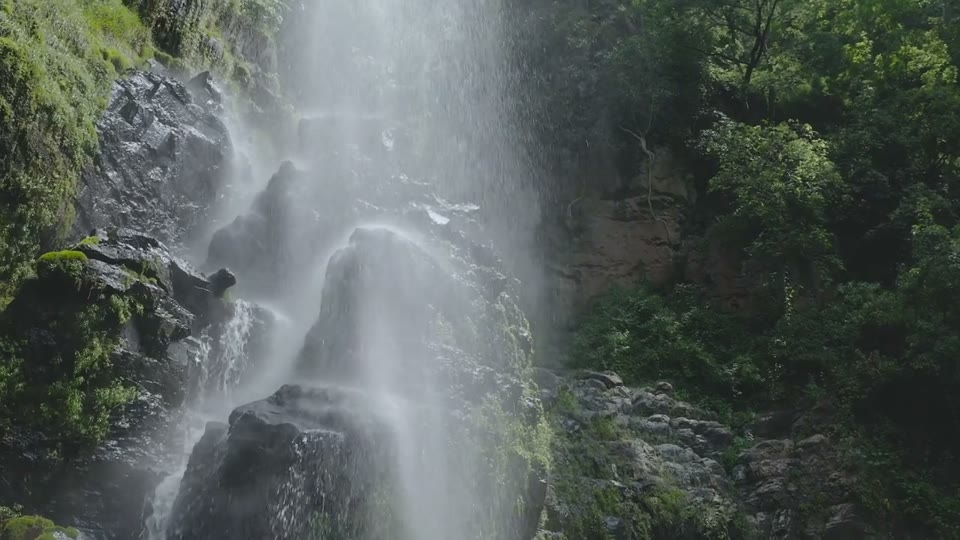
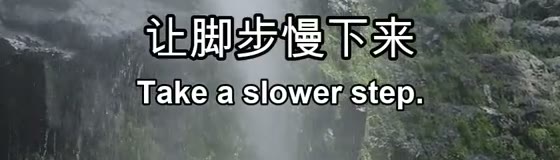
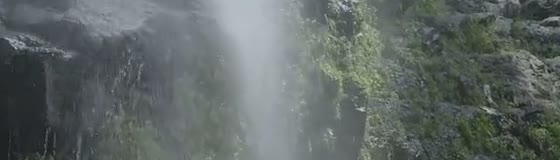
The two sampled moments demonstrate removal on this clip, not guaranteed recovery of the hidden rock or water pattern. They do not establish results for every font, subtitle position or bilingual video.
中国語と英語のラインが異なるソースから
In your own file, one line may be a subtitle track you can turn off while another is burned in. Turning off a Chinese track does not classify the English words that remain.
One line switches off
Remove that subtitle source without changing the picture, then inspect the remaining line separately.
Diagnose mixed subtitle typesBoth lines remain in the picture
Test a scene where the two lines have their greatest combined width and coverage.
See hardcoded subtitle repairCheck storage separately from the language
The writing system does not determine whether subtitles are a separate track or part of the video frames.
Disable player subtitles
If the words disappear, remove the selectable subtitle track instead of running image repair.
Inspect any remaining text
バイリンガルまたはダウンロードされたファイルには、複数の字幕ソースが含まれる場合があります。 各ラインを個別に確認してください。
Prepare a supported local clip
Use MP4, MOV or WebM. There is no language selector or translation step in the automatic workflow.
Decide whether your result is ready for the next edit
Check the intended use rather than assuming language support establishes quality.
Before replacing the captions
- The complete line, outline and punctuation are acceptably removed.
- Nearby objects remain usable in motion.
- Important background lettering has been checked against the source.
- The download contains the whole intended scene.
- Replacement subtitles are created separately in your editor.
Try your own video
Choose a local clip, preview it and review the cost before processing.
Free trial & upload limits
メール認証後にお試し用の3クレジットを受け取れます。
無料アカウント:50MB・有料アカウント:100MB
1秒未満を切り上げて1秒あたり1クレジット・最低3クレジット
自動処理により、ほかの文字やロゴも変わる場合があります。 料金を見る
Questions and answers
Do I need to select Chinese before processing?
No. There is no language selector in the automatic workflow. Use a short representative sample to evaluate the actual lettering and background.
Does removing Chinese subtitles translate the video?
No. It attempts to remove visible text. It does not translate speech or create another subtitle track.
Were these examples processed again for this case study?
No. The notes inspect supplied original/result pairs at fixed timestamps. They do not measure a new job’s speed, cost or performance on other footage.