
Cómo quitar subtítulos en VLC
Based on linked official documentation · Updated · Editorial methodology
To hide a separate subtitle track in VLC, use the Subtitle menu and disable the track. This changes playback; it does not export a new subtitle-free video.
VLC desktop 3.0 documentation · display settings do not rewrite the video file
In VLC, open the Subtitle menu and disable subtitles to watch without them. If you need to share a file without subtitles, use a separate export step such as the HandBrake walkthrough below.
Turn off subtitle display
Open the video and use Subtitle → Sub Track → Disable, or the equivalent track option in your VLC version. VideoLAN documents subtitle disabling through the Subtitle menu. Check whether the words disappear from the picture.
Open the video
Pause at a moment where subtitles are visible.
Open Subtitle and the track choices
Select Disable from the available subtitle options. Some versions show this inside Sub Track.
Check: If the words disappear, the picture itself is clean at that moment.
Reopen to check your viewing preference
The current playback choice may differ from the default setting. The desktop documentation also describes disabling Enable subtitles under Preferences → Subtitles/OSD.
Check: Use the controls matching your operating system; this is a viewing setting, not a subtitle-free export.
If the words stay visible
A second subtitle source may still be active, or the text may be hardcoded into the video. The diagram illustrates burned-in text remaining after a track is disabled; it is not a screenshot of a specific VLC installation.
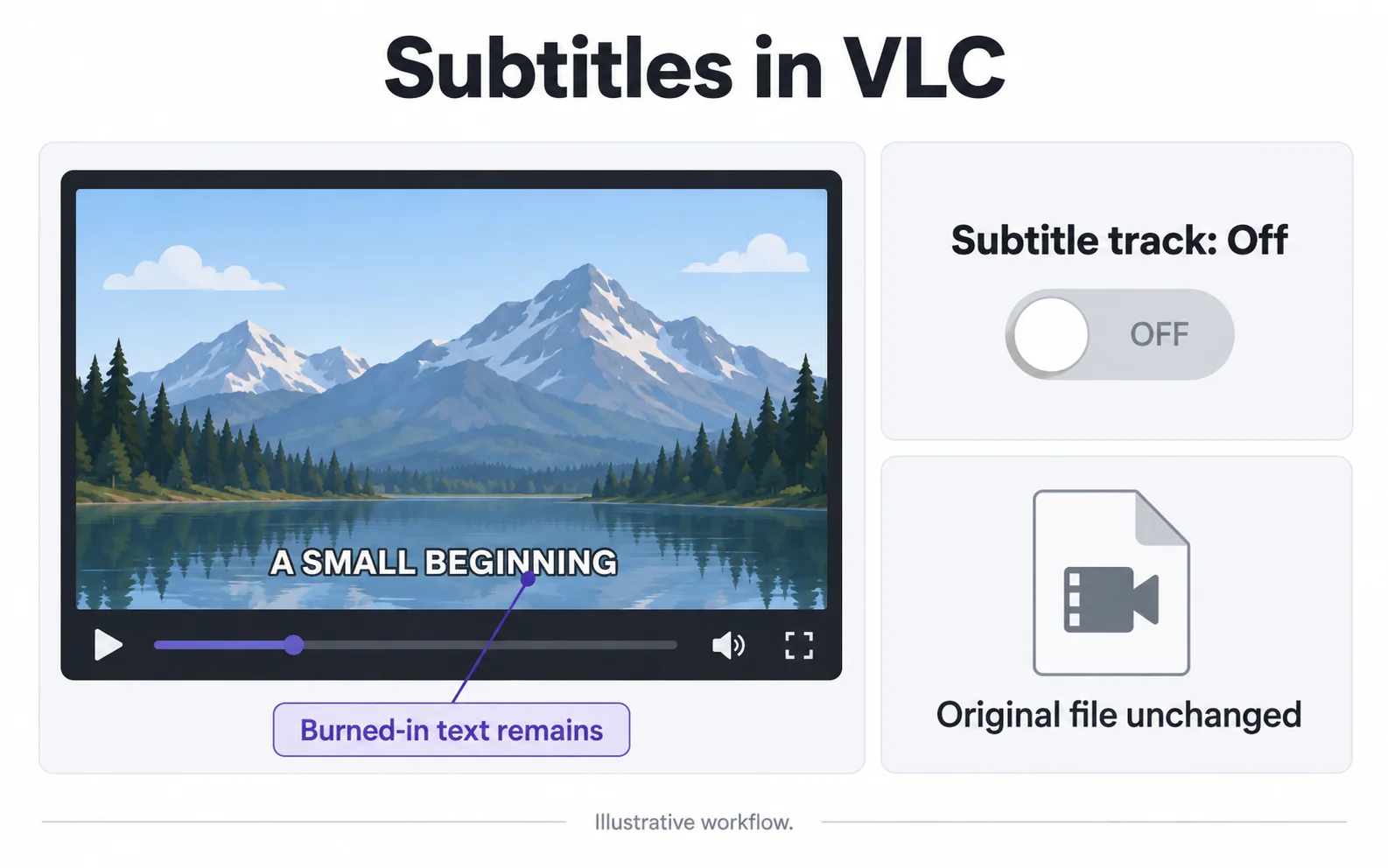
Words remain after Disable
Likely cause: A second source may be active, or the words are burned in.
What to do: Check for separate subtitle file loading and inspect the same frame with all subtitles disabled.
Words return when the file is reopened
Likely cause: The player’s default subtitle setting may re-enable a source.
What to do: Change the player’s subtitle preference for watching. For sharing, save a new copy with unwanted subtitles left out.
Save a copy without selectable subtitles
If you need a file to share, use a desktop app with subtitle export controls, such as HandBrake. Turning subtitles off in a player only changes what you see while watching.
Open the video in HandBrake
Use the desktop app to open your saved file, then choose the output format and preset you need.
Leave unwanted subtitles out
Open the Subtitles tab and remove the entries you do not want, including an automatic Foreign Audio Search entry if present. For a copy with no selectable subtitles, leave the list empty.
Save a new copy
Check the Audio tab for the language you want to keep. Choose a new filename and start the export.
Play the saved file
Watch a scene that had subtitles and listen to the sound. HandBrake creates a fresh video copy, so check the picture quality too.
Repair hardcoded text separately
For lettering in the picture, use an image-repair workflow on a supported local video. No VLC subtitle-display setting can reveal the original pixels underneath burned-in text.
Try files with a separate subtitle track
These four-second samples show subtitles you can turn off. Open one in a player with subtitle controls and try it yourself. The third file shows the same video with those subtitles removed. All three are silent.
These samples keep the same video picture. Words fixed in the picture would need a different removal method.
Video original y resultado
Compare the original and result as the video plays.
Questions and answers
Does turning subtitles off save a new video file?
No. Subtitle display settings affect playback. Use an export or subtitle export step to create a new file without subtitle tracks.
Why are subtitles visible when the VLC subtitle track is disabled?
The words may be part of the picture or come from another subtitle source. Disable all relevant subtitle sources before deciding that image repair is needed.
Official references
Software diagrams are illustrations, not version-specific screenshots. Consult these guides for current controls.