
Use a local Snapchat video for caption repair. Wide caption bars and exported overlays need picture editing once they have been saved into the frames.
Use this workflow for a saved Snapchat video, not a photo or screenshot. A wide caption bar covers more image area than its lettering, so judge the whole band in the result.
Try your own video
Choose a local clip, preview it and review the cost before processing.
Free trial & upload limits
Verifica tu correo y recibe 3 créditos de prueba.
Cuentas gratuitas: 50 MB · Cuentas de pago: 100 MB
1 crédito por cada segundo iniciado · Mínimo de 3 créditos
La eliminación automática también puede afectar a otros textos o logotipos. Ver precios
Video original y resultado
Compare the original and result as the video plays.
A video file is different from a screenshot
Choose a supported saved video. A still Snap or screenshot belongs in an image editor. This service does not access your Snapchat account, Memories or a shared link.
Quitar texto de un video de historias de Instagram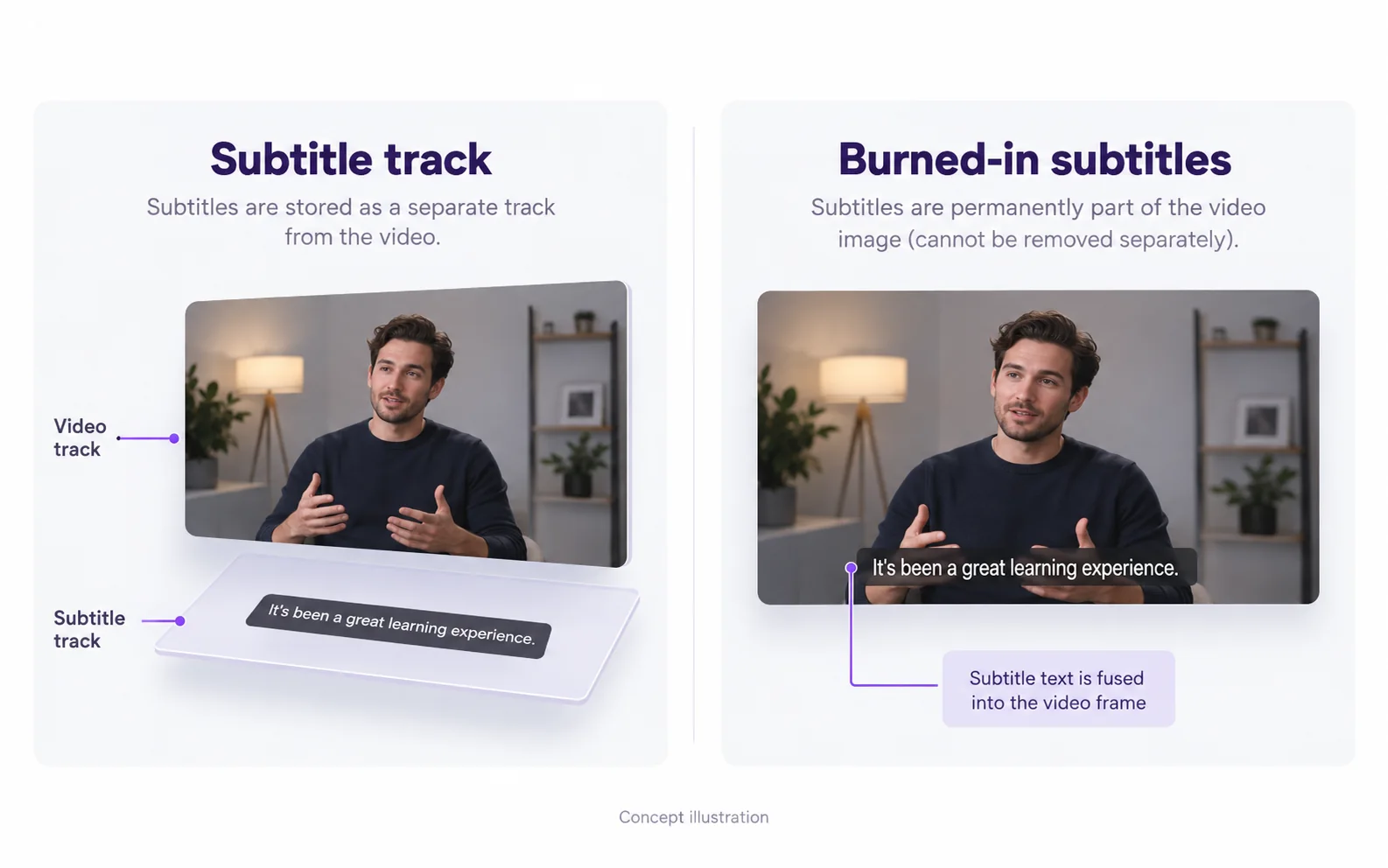
Inspect a wide caption bar in motion
Keep a distinct source and result so you can compare the exact clip used in your next edit.
Open the saved video locally
Confirm that the caption bar exists in the video file. This service does not open Memories or shared links.
Inspect the band rather than individual letters
Include the translucent fill, shadow and rounded edges around the caption.
Watch the subject pass through the band
Check faces and clothing where the bar covered them, then inspect the next caption change.
Download a separate accepted copy
Play the saved result before sharing it; keep the original video for other edits.
Una barra de subtítulos puede ocultar una gran área.
A translucent or solid bar covers more of the picture than its text alone. Inspect the entire horizontal band, including any gradient, shadow or nearby face. AI can estimate the covered image but cannot guarantee its original detail.
Quitar subtítulos de videos para redes socialesCheck motion behind the caption
Play while the subject moves through the band and when the caption changes. The top-caption and talking examples help show different coverage patterns. Test the actual clip before relying on the repaired result.
Download a distinct copy
Keep your input, inspect the downloaded result and share the new file through your normal workflow. Processing does not alter an existing Snap or its platform settings.
Resolve the remaining mismatch
Check which part of the workflow needs a different action.
Only a screenshot is available
Likely cause: A still image is not a supported video source.
What to do: Use an image editor for the screenshot. Converting a still into a video does not recover the hidden background.
The output contains only the opening
Likely cause: The confirmed range may have covered only the beginning of the source.
What to do: Check the task duration. Trim the intended scene before selecting it for a new job and review the cost before confirming.
Questions and answers
Can I upload a Snapchat screenshot?
No. This tool accepts video files. Use an image-editing workflow for a screenshot.
Can a wide caption bar be removed from a saved video?
AI can attempt it, but a wide bar hides substantial image information. Inspect the full region and its consistency across motion.
Can I add a different caption style afterward?
Yes. Import the checked result into your editor and add the new text there. Keep the new captions editable; the removal workflow does not create or translate them.