
Remove text from video without blur by using AI repair to estimate the covered background. Unlike a blur overlay, this changes the picture detail, so inspect texture and motion before choosing a result.
Repair, blur and crop make different changes. In this example, a blur leaves an obvious softened band, a crop discards part of the hands and cup, and the supplied repair result retains the full composition without the subtitle line.
Compare the repaired picture
Compare the original and result as the video plays.
Compare a crop, a blur and a supplied repair result
The dialogue sample makes the tradeoff visible because the words overlap picture detail you may want to keep.
Original frame
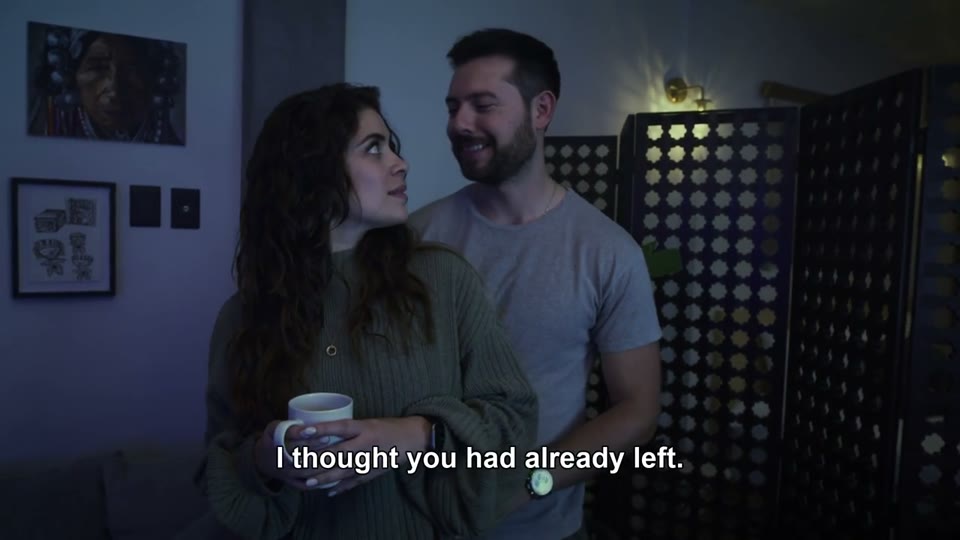
The subtitle line crosses clothing and the area near the hands. The full 16:9 composition remains visible.
A deliberate blur
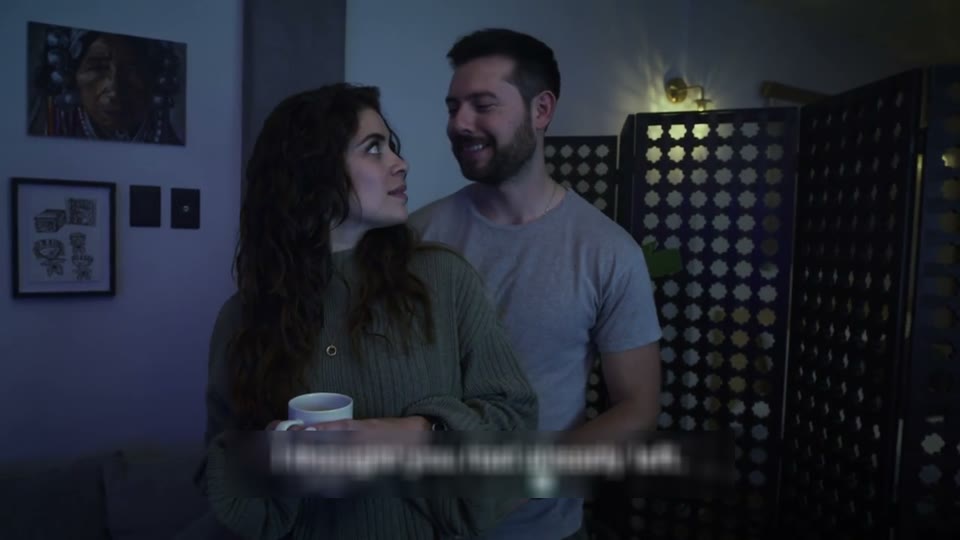
The letters become a visible softened band. It also softens the picture inside the selected rectangle.
Bottom 20% cropped
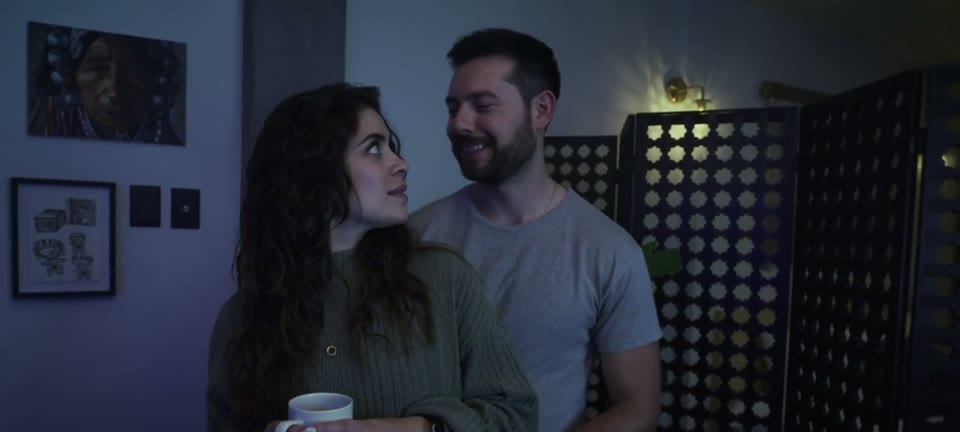
The subtitle is outside the remaining frame, but part of the cup, hands and lower composition is lost. The image is not stretched to restore 16:9.
Automatic repair result
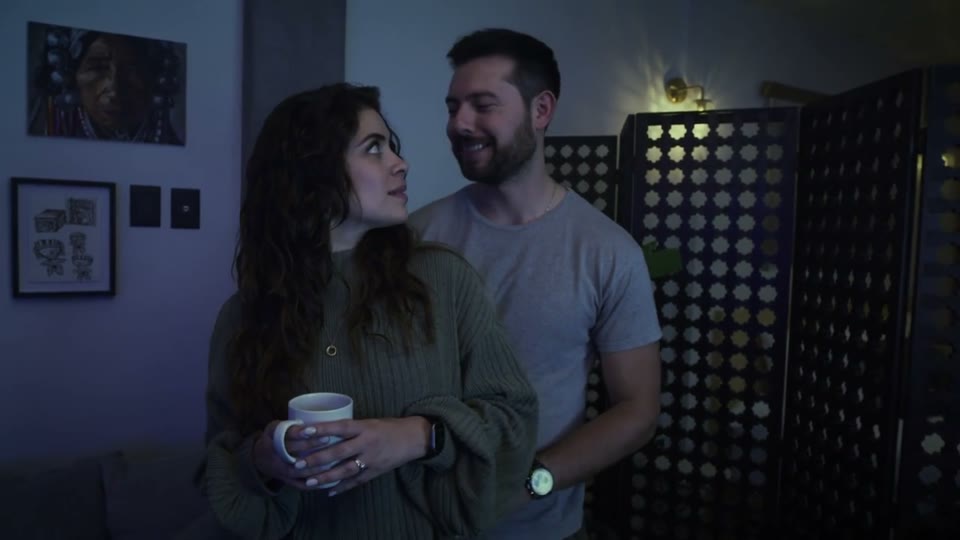
The supplied output has no subtitle at 1.00s and keeps the full frame. The subjects’ poses differ from the input sample, so do not use this still pair to score recovery of hidden detail.
Look closely at a larger caption card
The podcast sample has two lines of text over a dark backing. Removing the whole panel is a different task from removing thin letter strokes.
At 1.00s, the supplied result no longer shows the dark caption rectangle. Sweater texture and the forearm occupy that area instead.
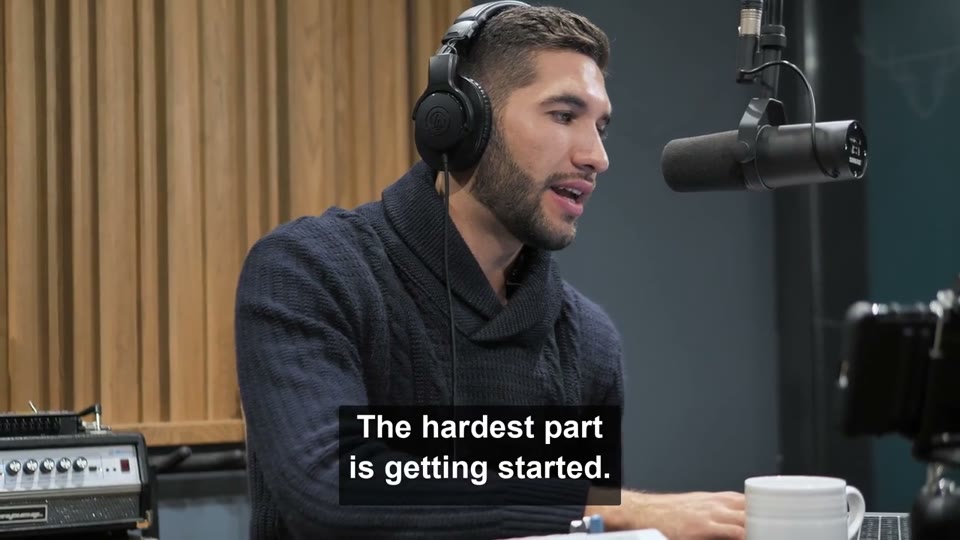
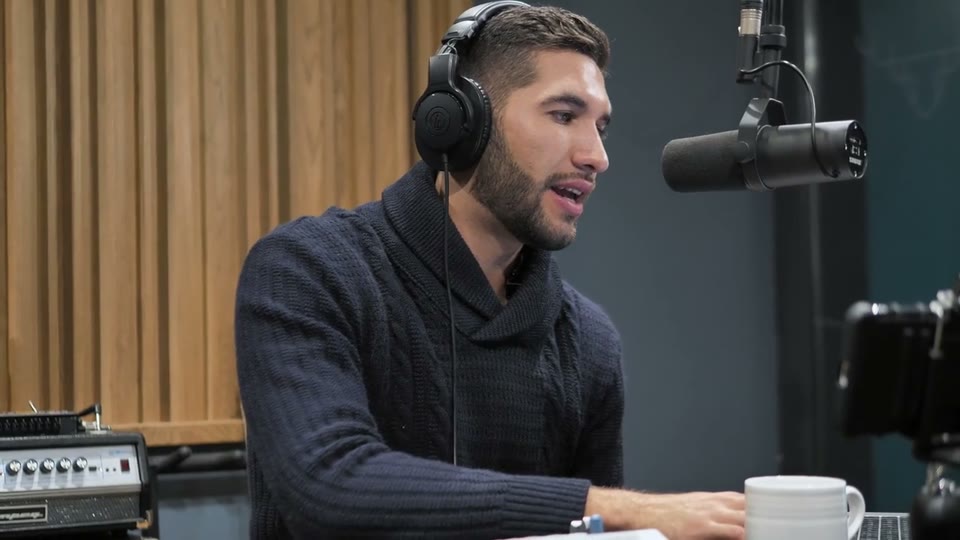
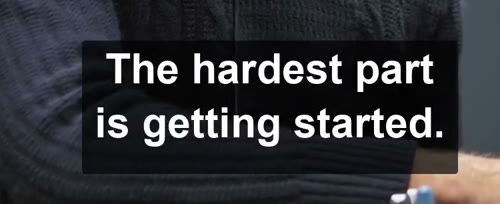
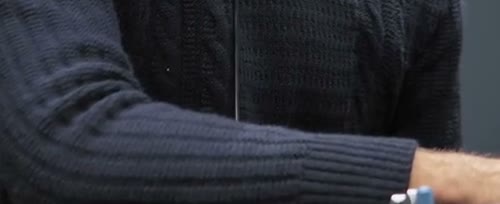
These are observations of a supplied example at a fixed moment, not a sharpness score or proof of perfect reconstruction. Use the synchronized video to assess changes over time.
Choose what the finished edit can afford to change
A technique can be appropriate even when its change is visible. The question is whether it suits the deliverable.
| Requirement | Method to evaluate | Tradeoff |
|---|---|---|
| Keep the complete composition | Image repair | Replacement detail is estimated. |
| A visible covered area is acceptable | Blur or a new graphic | The old region remains obscured. |
| An unimportant border can be discarded | Crop | Frame shape and composition change. |
| The original project is available | Delete the editable text | Preserves clean source information instead of estimating it. |
Check motion before accepting the result
A clean still is a useful inspection point, but it cannot establish temporal consistency.
Play at normal speed
Watch the subtitle band while the speaker, camera or background moves.
Compare a caption transition
Inspect the last frame of one subtitle and the first frames of the next. Look for a patch changing with the wording.
Inspect the downloaded file
Confirm the duration, audio and full composition. If only an opening segment was processed, that is the only segment in the output.
Try your own video
Choose a local clip, preview it and review the cost before processing.
Free trial & upload limits
Get 3 trial credits after verifying your email.
Free accounts: 50MB · Paid accounts: 100MB
1 credit per started second · 3-credit minimum
Automatic removal may affect other text or logos. View pricing
Questions and answers
Does AI removal guarantee a perfectly sharp background?
No. The tool does not add a blur overlay, but reconstruction may still soften or distort the covered area.
Can I compare a short trial before processing a longer clip?
You can review the processing range and cost before starting. Available trial credits depend on the current account offer; a short processed prefix does not include the rest of the video.