
标题可能是一个可编辑的图层,在导出的视频中的文字,或者在社交帖子下面的描述。每个都属于不同的工作流程。
First locate the caption: inside an editing project, inside a video frame, or under a social post. Each lives in a different place and needs a different edit.
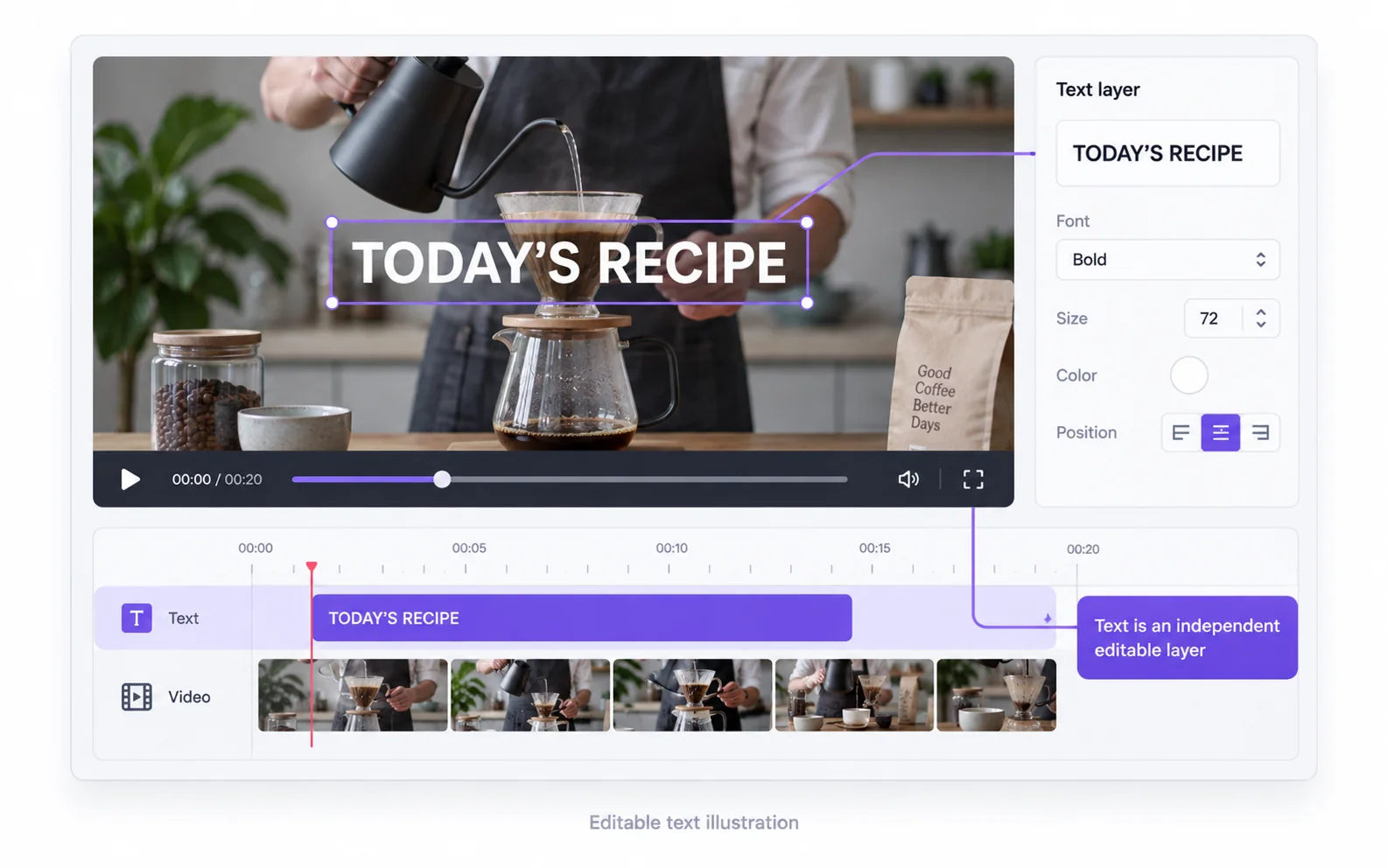
Captions inside your editing project
Select the caption or title layer and remove it, then export a new copy. Check for multiple caption clips across the timeline. Deleting one visible caption may leave later segments untouched.
Return to the original project
Open the project used to create the captioned export rather than importing that export as a new project.
Select a caption object
Confirm the selected item is text, not the underlying video or its audio. Remove the intended object and check the next caption segment.
Export a clean copy
Preview the complete sequence before export. Reopen the new video to confirm that no later subtitle segment was missed.
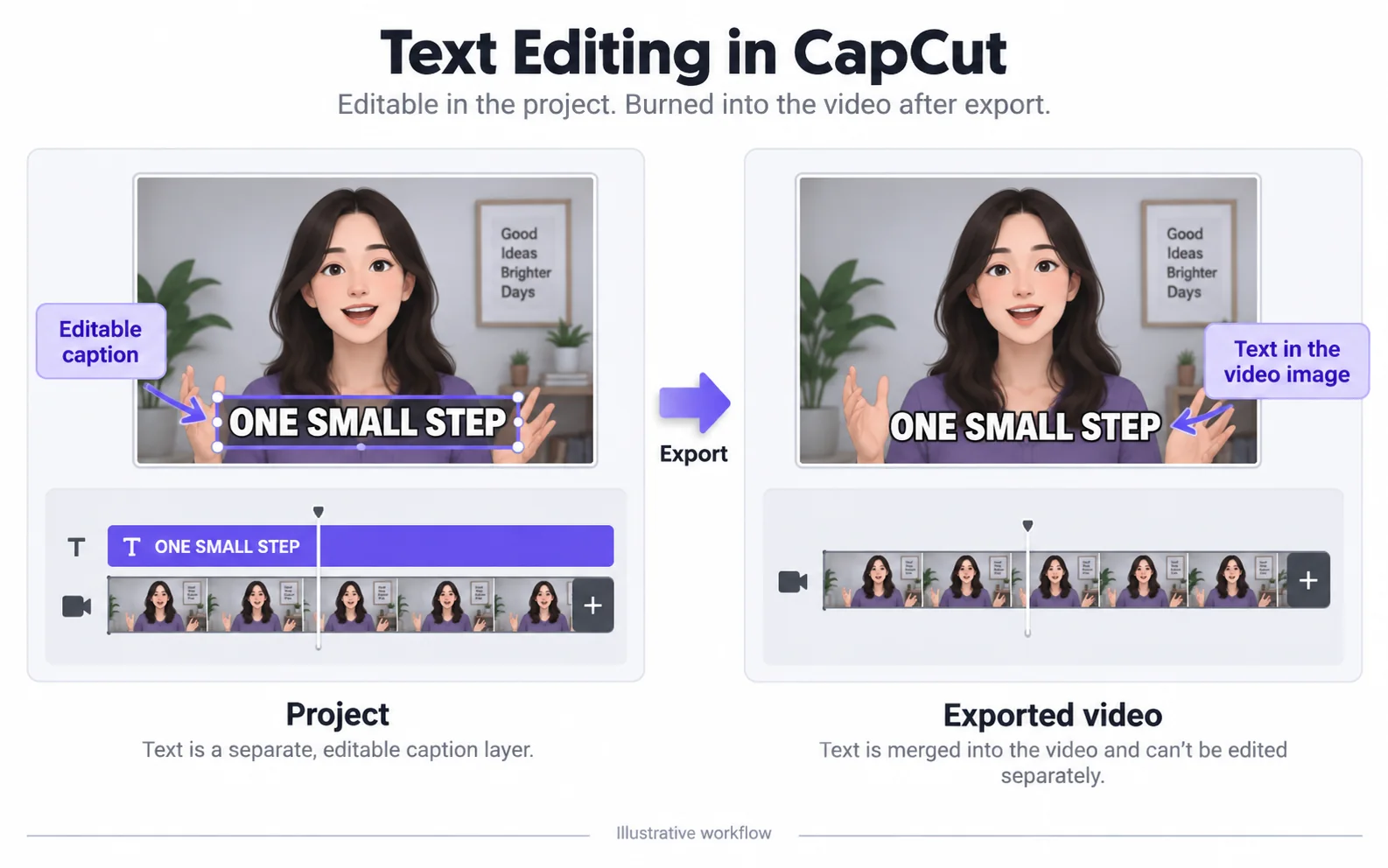
Captions burned into the exported video
Once text is flattened into the image, it cannot be selected as an independent caption object. Use picture repair, crop or another image-editing method depending on the amount of content you can afford to change.
| Method | Good fit | Tradeoff |
|---|---|---|
| Crop | Text lies at an edge you can discard. | Changes the framing. |
| Cover | 一个新的图形旨在占据相同的区域。 | The background remains hidden. |
| Automatic repair | You want to retain the frame and estimate the covered region. | Detail and other visible text may change. |
The caption under a social post
A post description belongs to the platform’s publishing interface. Uploading its video here cannot change the description, accessibility settings or comments associated with that post.
Instagram快拍视频去文字Prepare the next caption version
Inspect the cleaned clip before adding replacement captions in an editor. The repair tool does not translate speech, transcribe audio or generate new subtitles.
Check before publishing a new caption version
清理后的片段是进行下一次编辑的起点,而不是替换标题文件。
Deleting a caption also removed the scene
Likely cause: The video item was selected instead of the text object.
What to do: Undo, confirm the track or object type, and remove only the caption.
Old and new captions appear together
Likely cause: The old words were already rendered into the source video.
What to do: Inspect the source without your new caption layer. Repair or replace the source before adding the new wording.
The description beneath the post is unchanged
Likely cause: Post text is stored by the platform, outside the uploaded video.
What to do: Edit that description in the platform’s publishing interface.
原视频与处理结果
Compare the original and result as the video plays.
Questions and answers
Can captions be removed after a video has been exported?
Burned-in captions can be processed as image content. For editable captions, use the original project and export again.
Are post captions the same as words inside a video?
No. Post captions are separate platform text. This tool only changes visible content in the uploaded video.