
电影文件会提出两个问题:字幕是如何存储的,以及您实际需要处理的视频的多少。
For a movie file, remove switchable subtitle tracks before considering image repair. If the words are burned in, prepare representative scenes and review their duration and credit cost rather than assuming every shot will behave alike.
Remove tracks before considering image repair
If subtitles are switchable, use a subtitle export steps. It can avoid running visual repair over an entire film. If they are hardcoded, inspect several scenes because lighting, texture and subtitle placement may change.
MKV删除字幕Prepare the scene you need
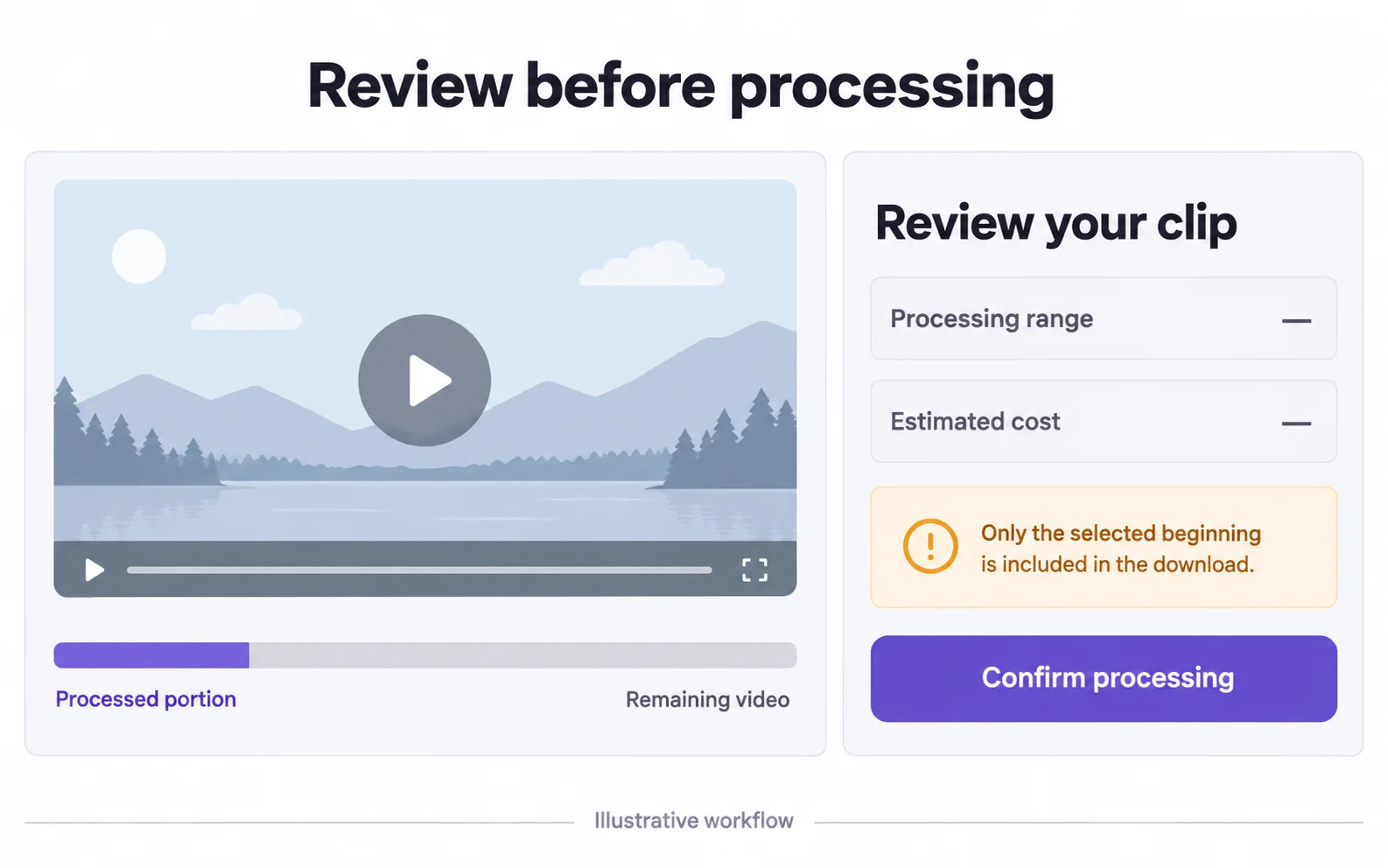
较长的影片可能会超过上传大小限制。 首先,从本地编辑器导出一段支持的短片段。 此工具不允许您上传后选择中间场景,其部分处理选项仅覆盖开头。
Open the movie in your video editor
Find the scene you actually want to use.
Trim to that scene
Set the start and end of the clip. For example, keep 30 seconds around a subtitle you want to remove.
Save the clip as a new MP4
Play it to check that you kept the right scene and sound, then choose this short file for online removal. Keep the full movie unchanged.
Review credits against the selected duration
The confirmation shows the included range and cost. An opening-segment result contains only that segment. Do not expect a full-length movie download when your balance covers a shorter period.
| Included video | 积分 |
|---|---|
| 3 seconds | 3 积分 |
| 30 seconds | 30 积分 |
| 60 seconds | 60 积分 |
| 180 seconds | 180 积分 |
One credit per started second, with a three-credit minimum. Your confirmation shows the actual included range. These are usage examples, not plan prices.
Watch scene cuts and dark backgrounds
Subtitle repair can behave differently across cuts, faces and low-light scenes. Test a representative section, inspect it at normal speed and keep your original movie file.
| Scene | Why test it | What to compare |
|---|---|---|
| Close-up dialogue | Faces or clothing pass behind the subtitle band. | Subject boundaries and texture. |
| Dark shot | Soft patches may stand out against low-detail areas. | Brightness changes and residual lettering. |
| Scene cut | The available background changes abruptly. | The frames immediately before and after the cut. |
原视频与处理结果
Compare the original and result as the video plays.
Questions and answers
Can I upload a full-length movie?
Only if the file meets the actual format and size limits; many full-length movie files do not. Prepare a shorter supported clip and review its credit cost.
Can I choose a scene from the middle in this tool?
No. Trim the desired scene in another editor first. Partial processing in this tool starts at the beginning of the uploaded clip.